
PitWorX: maintenance and repairs
Less waiting. More driving.
From warning light to back on the road, on one ticket.
Turn a warning light into a work order, send it to any shop with a link and approve the quote in one place.
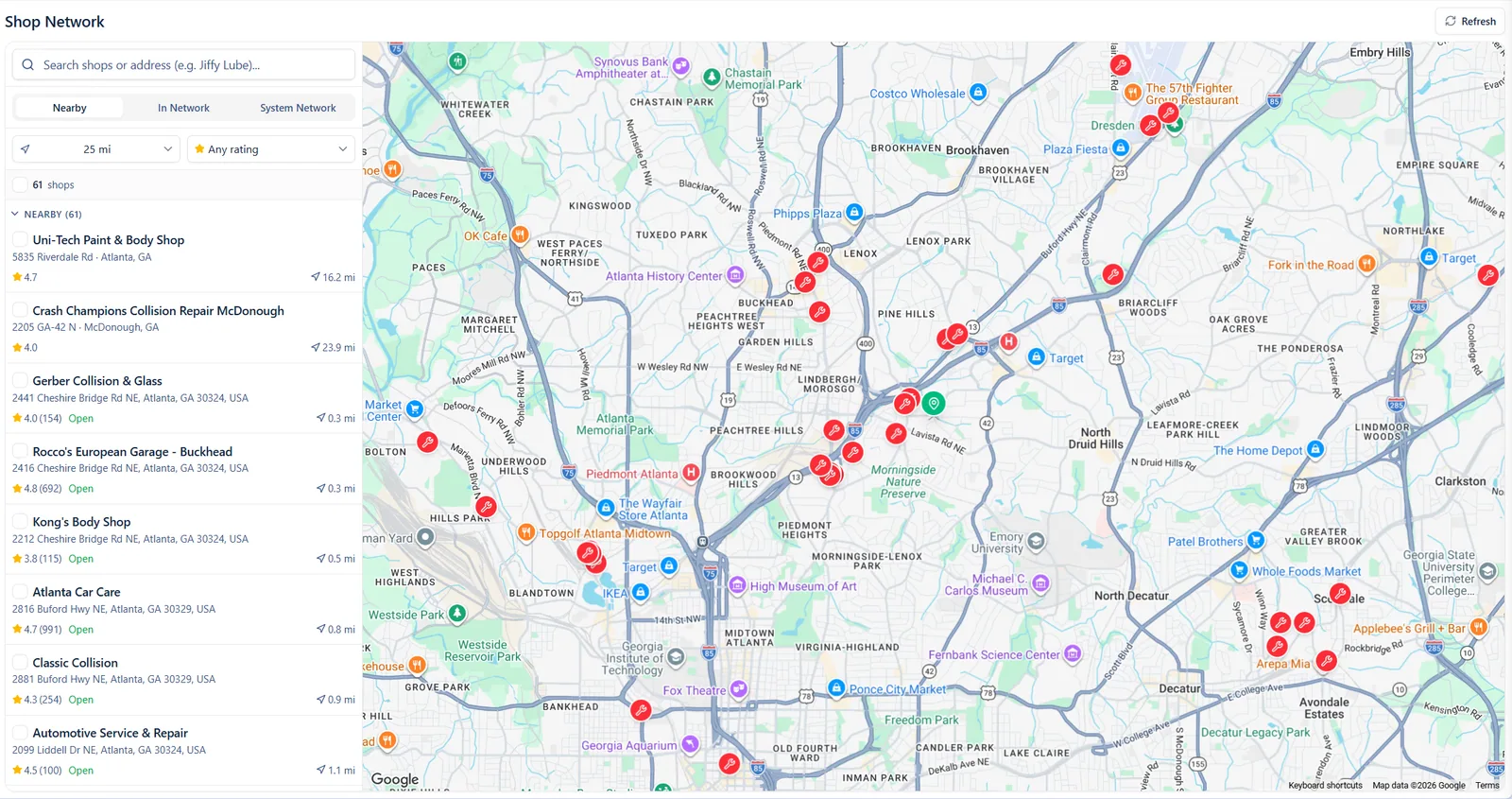
- Find a shop anywhere
- Nearby shops, with ratings
- Your truck is here
What it fixes
The problems PitWorX takes off your plate.
What you get.
Trucks back sooner
Quotes and updates land on one ticket instead of five inboxes.
Shops without the friction
Any shop can quote from a link. No account needed.
Fewer surprise breakdowns
Service reminders arrive before work is overdue.
From warning light to work order
See what is wrong and what to do about it.
- UNI explains the problem and suggests the repair
- A warning light or inspection issue opens a work order with the details attached
- Add labor and parts, and approve before work starts
- Everyone sees the same status
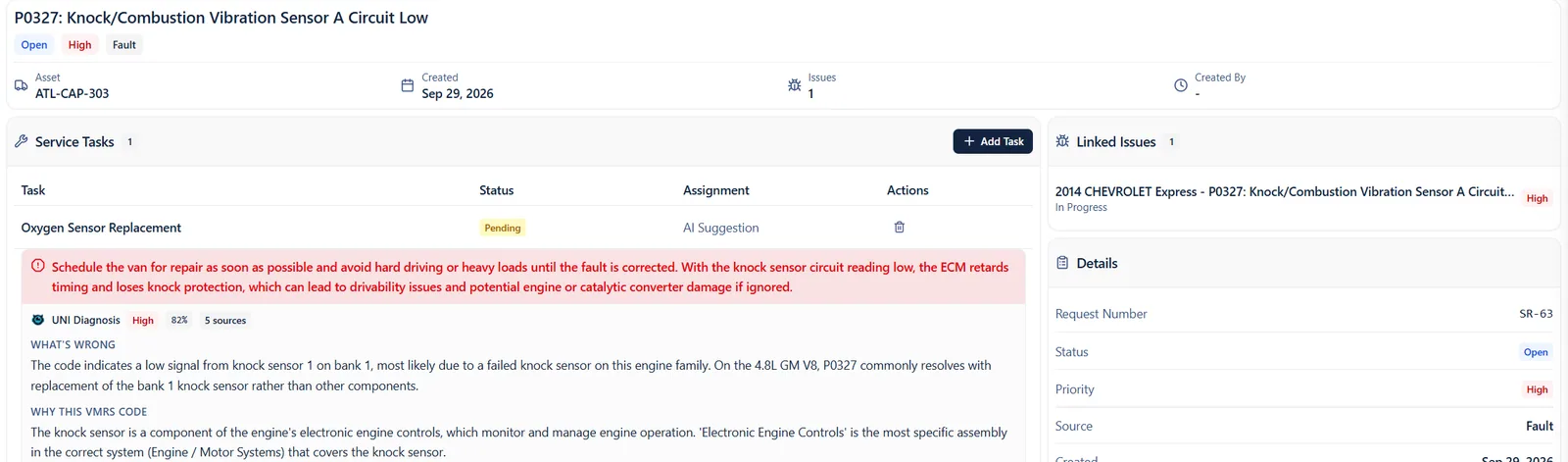
- Suggested repair, ready to go
- How urgent it is and what to do
- UNI explains what is wrong
Any shop. No login.
Send a job once. The shop does the rest from a link.
- Send a job by email, phone or secure link
- Shops quote, update and invoice from the link
- Find nearby shops, with ratings, when a truck breaks down
- The approved quote becomes the invoice
- The link stops working when the job is done
Stay ahead of service
Spot the trucks that need work before they break down.
- Every truck gets a health color
- Set a service plan for each truck
- Get reminders before work is overdue
- Inspections are saved on every truck’s record
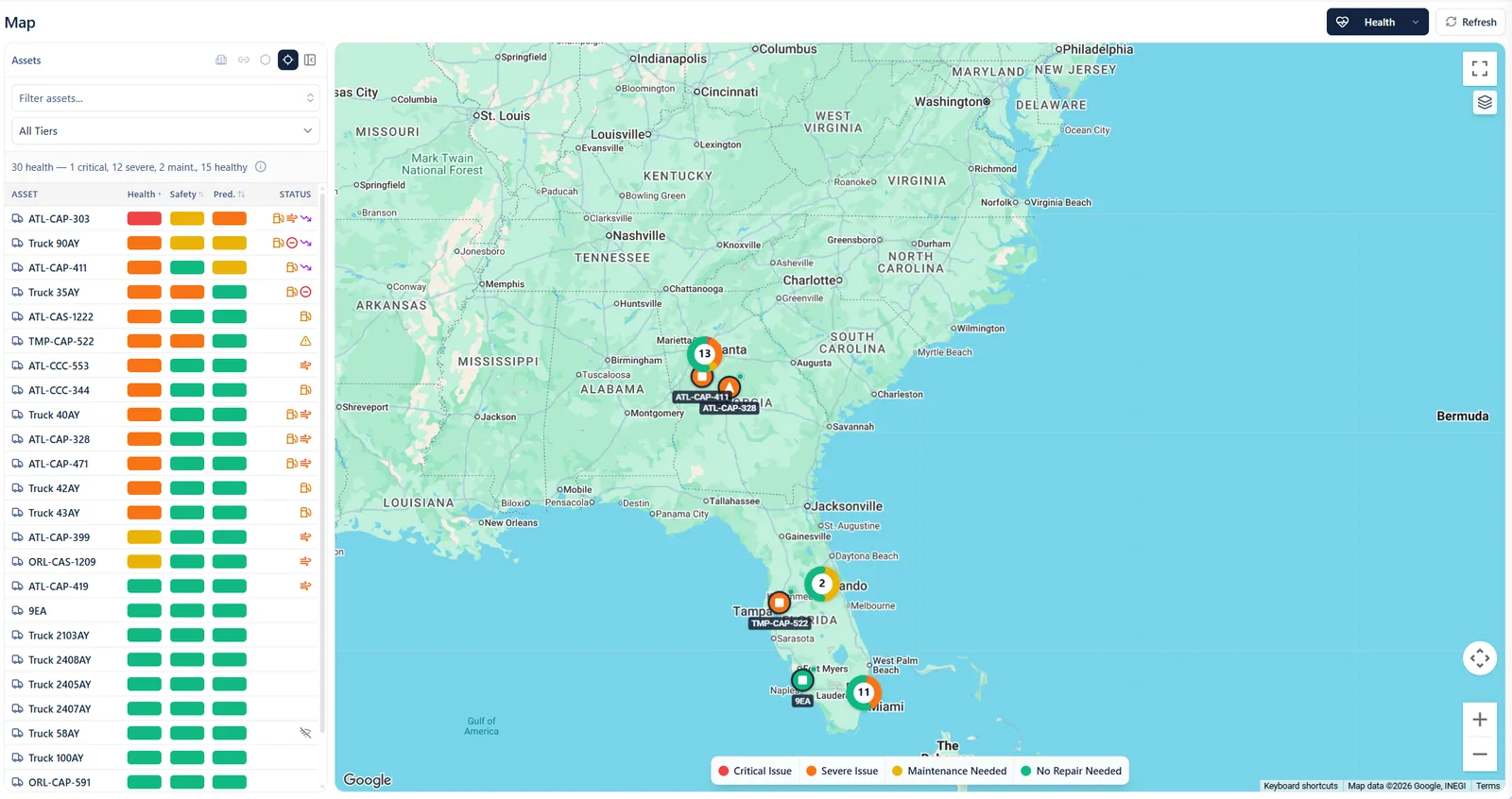
- Red means fix it now
- Every truck’s health at a glance
- See where the trouble is
Parts inventory that keeps up
Know what is on the shelf before the truck is in the bay.
- One catalog of parts, with stock counted by location
- Move stock between locations and fix a count when it is off
- Track serial numbers and warranty on parts that need it
- Set a reorder point, and get a daily or weekly list of parts to reorder
- Create purchase orders, receive them, and see what is on order
- Parts used on a work order come out of stock at what they cost you
- Every change is kept in the part’s stock history

From warning lightto back on the road,on one ticket.
Better together.
Every app talks to the others, so nothing gets retyped.


Quick answers
Can we track our parts and stock?
Yes. Keep one catalog of parts, count stock by location, set a reorder point and get a list of parts to reorder. Parts you use on a work order come out of stock, and you can see the value of what you hold.
Do our shops need an account?
No. A shop opens the link you send, then quotes, updates and invoices from there.
Can we use our own shop and a nearby one?
Yes. Send work to the shops you trust, or search for a nearby shop when a truck is down on the road.
Ready to see your fleet in one place?
Bring your questions and the tools you use today. We will show you how it all fits together.